QR Code on a Business Card:
Good or Bad? The Honest Answer
You've heard both sides. "QR codes are modern and smart." "They look cheap and nobody scans them." Let's cut through the noise.
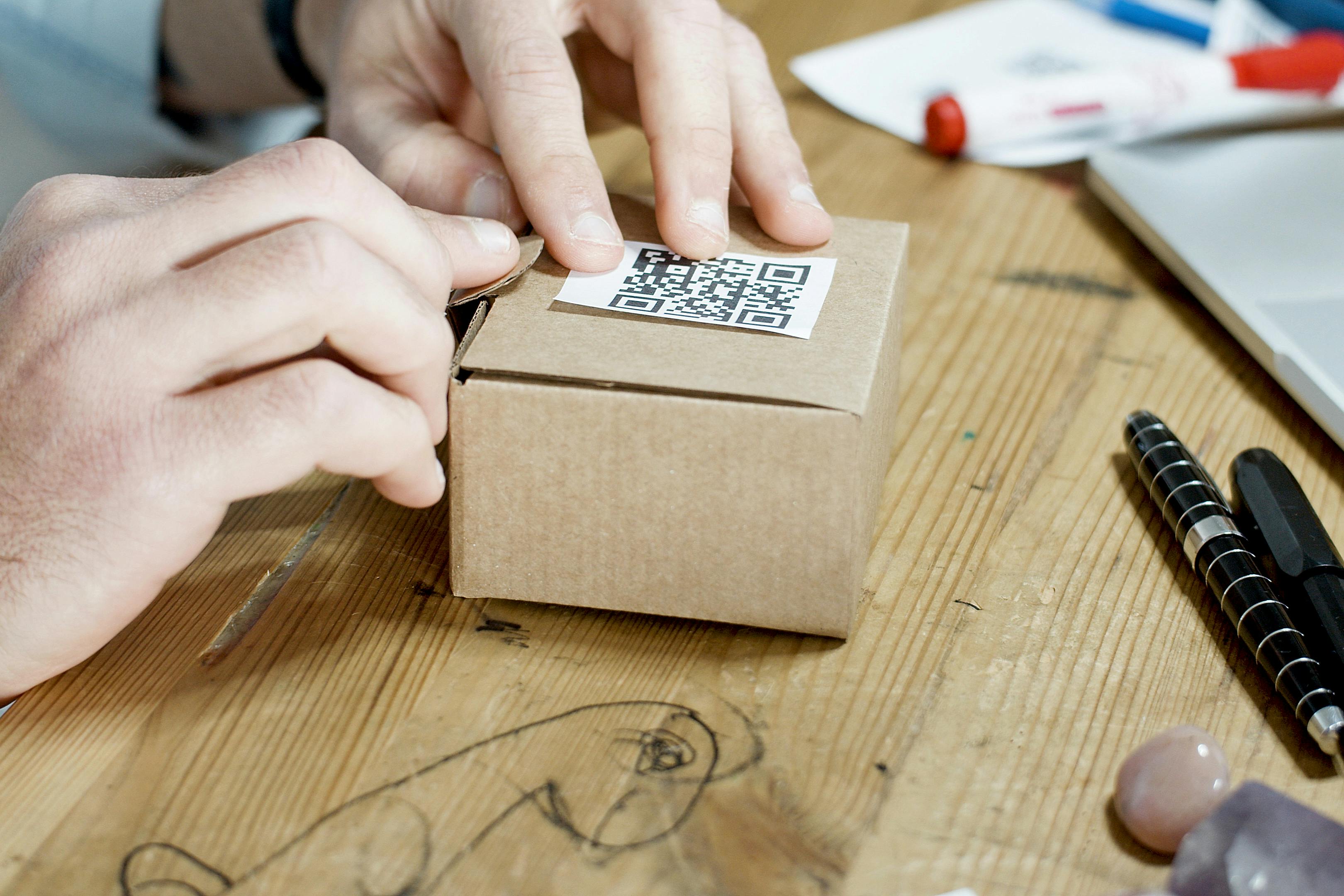
If you've searched "qr code on business card good or bad", you're probably in one of two situations: you're about to order new cards and you're on the fence, or someone told you QR codes look gimmicky and now you're second-guessing yourself.
Both concerns are reasonable. Let's deal with them honestly.
The short answer is: a QR code on a business card is good — when it's done right. Done wrong, it's a wasted square of ink. The difference is almost entirely in what the code does when it's scanned.
The Case For: Real Reasons QR Codes Work on Business Cards
Instant contact saving, no typing required
The biggest friction point after a card exchange is getting the person's details into your phone. Typing a name, number, email and company from a card takes two minutes and introduces errors. A QR code that triggers a vCard download takes three seconds. For the person receiving your card, this is genuinely useful — and they'll remember you for making it easy.
You can share more than a card can hold
A standard business card fits your name, title, phone, email, and maybe a website. A QR code can deliver all of that plus your LinkedIn, portfolio, Instagram, GitHub, a short bio, and a one-tap save button. You're not replacing the card — you're extending it.
Signals that you're current and considered
In most industries, a well-executed QR code on a business card reads as modern competence. It says you've thought about the recipient's experience, not just the aesthetics of the card itself. In tech, marketing, design, or any client-facing role, this is a quiet signal that lands well.
Works on existing cards
You don't need to redesign everything. A well-sized QR code can live on the back of your current card with a single line of instruction. The barrier to adding one is lower than most people think.
The Case Against: Genuine Reasons QR Codes Fail on Business Cards
When the code links to something useless
This is the number one mistake. A QR code that links to a generic homepage, a desktop website that isn't mobile-optimised, or worse — a broken link — is worse than no QR code at all. It creates a moment of disappointment at exactly the wrong time. The code needs to deliver something worth scanning.
When it's too small to scan reliably
A QR code under 2 cm square is unreliable in real conditions. Low light, cheap card stock, or a slightly older phone and it won't scan. A code that sometimes works is almost as bad as one that never works — because it creates uncertainty. Minimum 2.5 cm, aim for 3 cm.
When there's no call to action
Most people don't spontaneously scan QR codes. If there's no text near the code telling them what they'll get ("Scan to save my contact" or "Scan for my portfolio"), most people will ignore it — especially in a professional context where they don't want to appear rude by staring at their phone.
In certain industries and cultures
In very traditional industries — some areas of law, finance, or old-school professional services — QR codes can occasionally read as out of place. Know your audience. If the people you're handing cards to are unlikely to be comfortable with scanning, the card isn't the right place to push digital behaviour.
The Root of the "Cheap" Perception
When people say QR codes on business cards look cheap, they're usually reacting to one of three things:
- A huge, dominating QR code that takes over the card design
- A code printed at low resolution that looks blurry or pixelated
- A code that does something pointless when scanned
None of these are problems with QR codes. They're problems with execution. A tastefully sized, high-resolution QR code on the back of a well-designed card, pointing to a genuinely useful destination, doesn't look cheap. It looks considered.
The Real Question: What Does Your Code Actually Do?
This is the hinge. Every piece of "QR codes are bad" advice collapses when you ask: what does your code actually do when scanned?
Here's the hierarchy from most to least effective:
- vCard / save-to-contacts — The gold standard. Immediate utility. One tap and they have your number. No internet dependency.
- A digital business card page — Shows your photo, bio, links, and contact button. Excellent for anyone with a richer professional story to tell.
- Your LinkedIn profile — Works well if your LinkedIn is up to date and actually represents you well. Many people's profiles aren't.
- Your website homepage — Acceptable if the site is mobile-optimised and loads fast. Poor if it's a generic brochure site.
- Anything that requires login, loads slowly, or isn't mobile-optimised — Don't bother.
So: Good or Bad?
The verdict
Good: when your code delivers a genuinely useful, mobile-optimised experience — especially a vCard save-to-contacts or a well-designed digital card page. When the code is correctly sized, high-resolution, and accompanied by a clear call to action. When your audience is comfortable with smartphones.
Bad: when the code links to something useless or broken, when it's too small to scan reliably, when there's no call to action, or when it clutters the front of the card.
The QR code itself is neutral. The execution is everything.
How to Do It Right
Here's the practical path:
- Use a digital business card builder that generates a vCard QR code — your contact saves directly to their phone.
- Download the QR code as a high-resolution file (PNG or SVG).
- Place it on the back of your card, minimum 2.5 × 2.5 cm.
- Add a short CTA underneath: "Scan to save my contact".
- Test it with three different phones before you send to print.
That's the whole process. It takes less than ten minutes and transforms a piece of card stock into a genuinely useful tool for the person who receives it.
Frequently Asked Questions
Is a QR code on a business card professional?
Yes, when done well. A clean, correctly sized QR code that links to something useful reads as modern and considerate. The key is what happens when it's scanned — it needs to deliver something worth the recipient's attention.
Do people actually scan QR codes on business cards?
They do, especially when the call to action is clear and the benefit is obvious. "Scan to save my contact" has a clear value proposition. "Scan me" does not.
Does a QR code make a business card look cheap?
Not inherently. The "cheap" perception almost always comes from a code that's too large, blurry, or linked to something useless. A well-executed QR code communicates competence, not cheapness.
What should a QR code on a business card link to?
The best option for most people is a vCard — it lets the recipient save your contact directly to their phone in one tap. A digital business card page is the next best option if you want to show more than a contact card allows.
Build yours the right way
Create a free digital business card with a QR code in under two minutes. Hosted nowhere, tracked by no one.
Create Your Card Free →